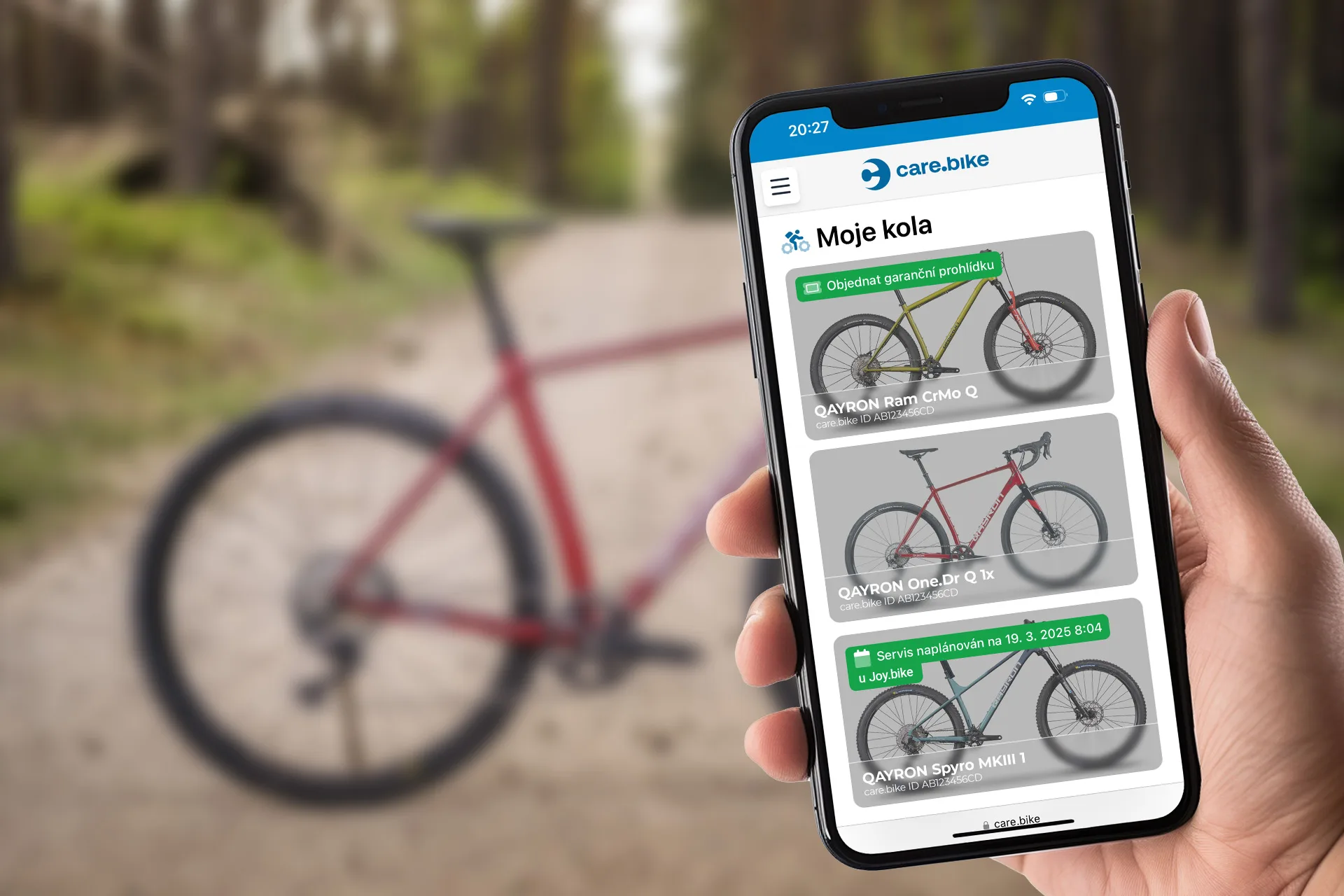
Online service booking
Customers book themselves, on dates you can actually handle
Set up your price list from the global catalogue in minutes. Booking runs on your website, in the customer zone and on the Care.bike service map, and only offers days you have capacity for.
A menu customers can easily choose from
Global catalogue: ready-made tasks, packages and a recommended price list. New tasks are added automatically and you can switch them off or rename and reprice them.
Packages and icons: packages, tasks and extra services with a description, a cycling icon and a "from" price.
Variants by bike: a task has variants for road, MTB and e-bike, and the booking pre-selects the one that fits the customer's bike.
Preview: see the booking form and price list exactly as customers will before you publish. Your work in progress stays separate from the published version.
Does the customer need an account?
No. Customers can book without an account, by signing up or with Google. They then follow the booking through the link in their e-mail or text message.
What if a day is full?
The calendar shows it to the customer as full. Capacity is calculated from technicians' hours or opening hours and from the estimated work time.
Does the customer pay when booking?
No. The customer sees an estimated price when booking and pays you at the workshop.
Do I need my own website?
No. Offer booking in the customer zone and on the Care.bike service map. You can also launch a website with booking and a price list in one step.

Let customers book on their own
Set up your price list from the catalogue in minutes. Try it free for 30 days with every feature, no credit card needed.