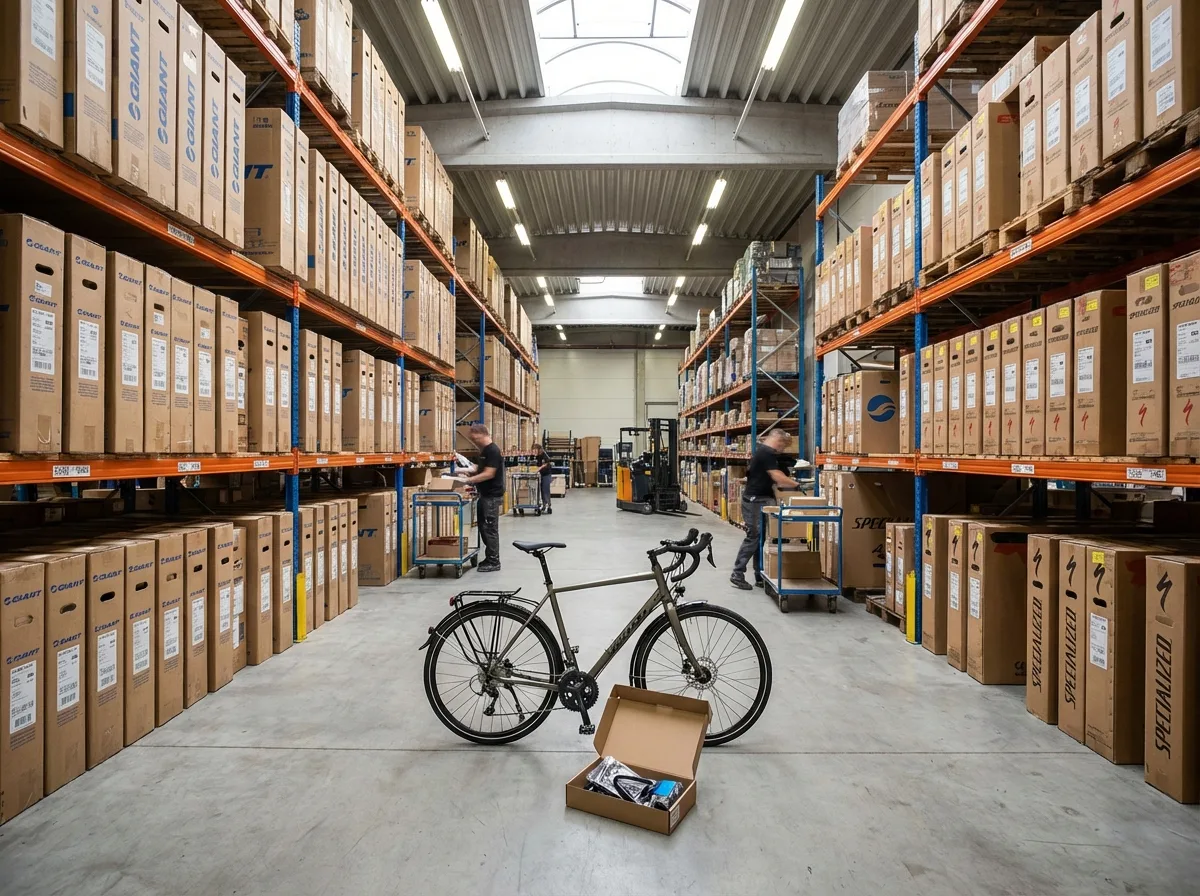
Know which parts you have in stock and which are missing for orders
Parts in orders are reserved and issued automatically when the order is completed. Keep your stock in Care.bike, or leave it in your ERP and let Care.bike take the stock levels from there.
Stock that fits how you work
Multiple warehouses: a warehouse for one location or shared by all, and each location has its default warehouse
Parts only: stock is kept for parts from the service parts catalogue, and you don't have to track small consumables
Decimal quantities: cables in metres, oils in litres
Stock overview: on hand, reserved, available, minimum and last purchase price, with search by name, code, catalogue number or EAN
Do I have to keep my stock in Care.bike?
No. You can keep stock in Care.bike, leave it in your ERP, or not track it at all. Without tracking, no stock fields appear in the app.
Will a missing part block the order?
No. The app only warns you and the part shows up in missing parts. The order carries on.
Which ERPs can you connect?
Pohoda, Abra and Money. We set up the connection with you. Other ERPs connect with your integrator through the public API.
How do I set up the stock?
Once stock is switched on, each location gets its own warehouse. Import the opening stock from a file or enter it through a stocktake.
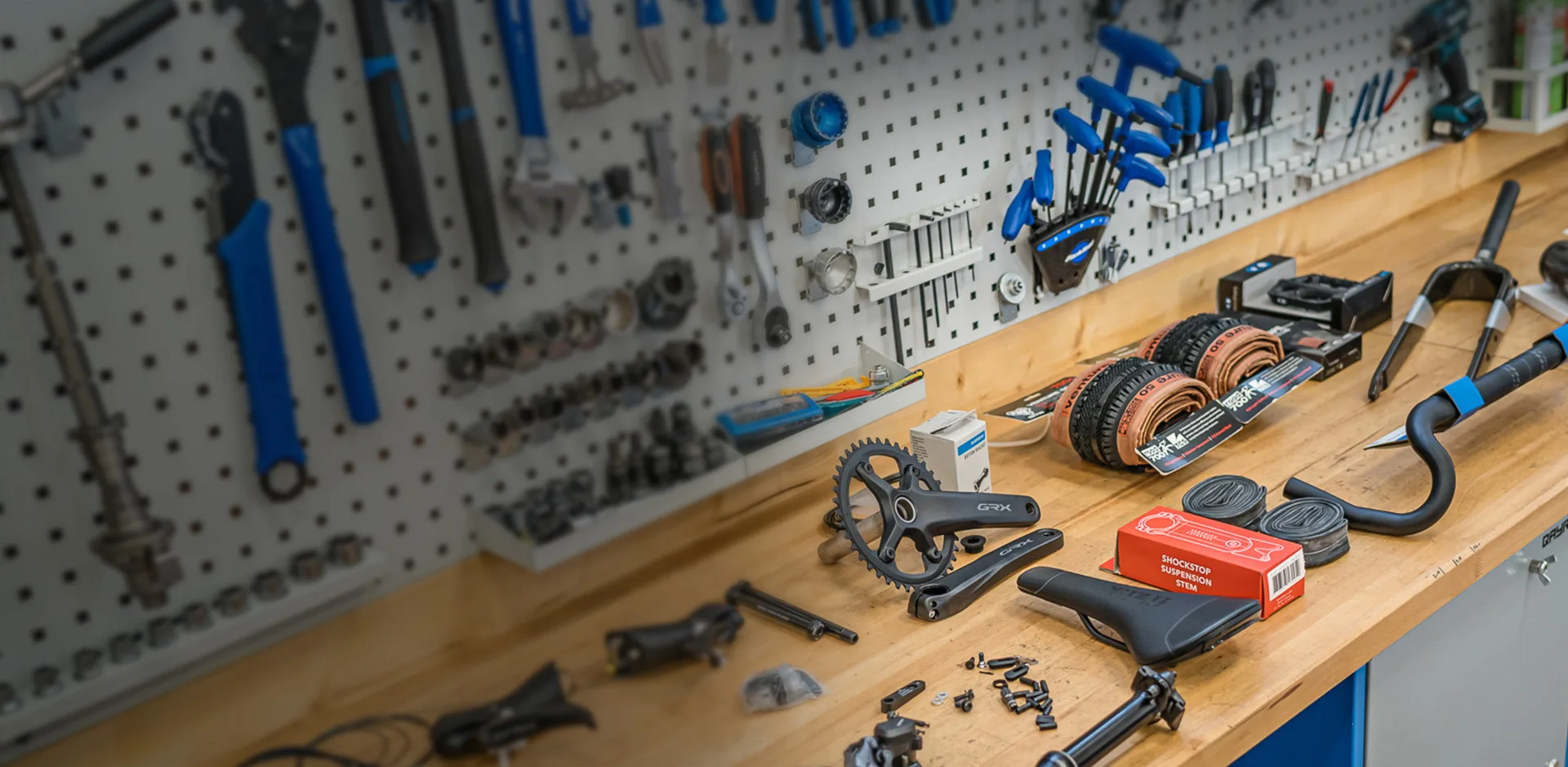
Less hunting for parts, more finished orders
Try stock in Care.bike free for 30 days with all features, no credit card needed.